
PopStick
A tiny creative studio for your mini thermal printer.
Turn a favourite photo into a tiny sticker you can print and share with your friends. PopStick walks you through it in three simple steps—so kids and grown-ups can get creative right away.
Pick Pop Print
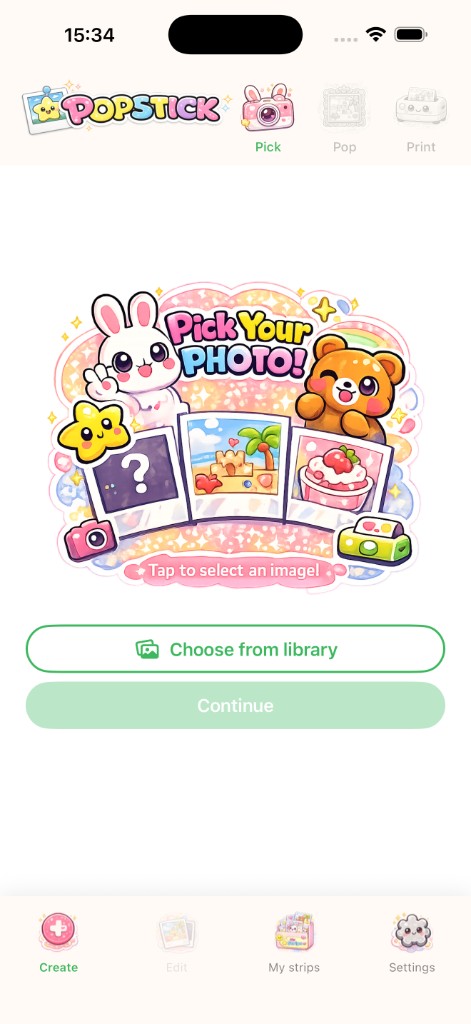
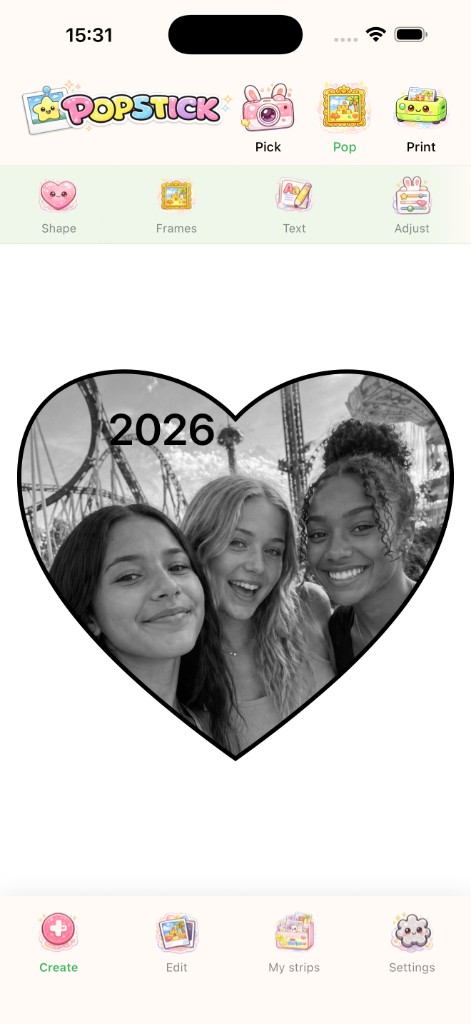
What you see is what prints
Your layout on screen matches what goes to your thermal printer—no mystery crop on send. The app is packed with clever tech to make your photo look great when it’s printed.
Make it yours!
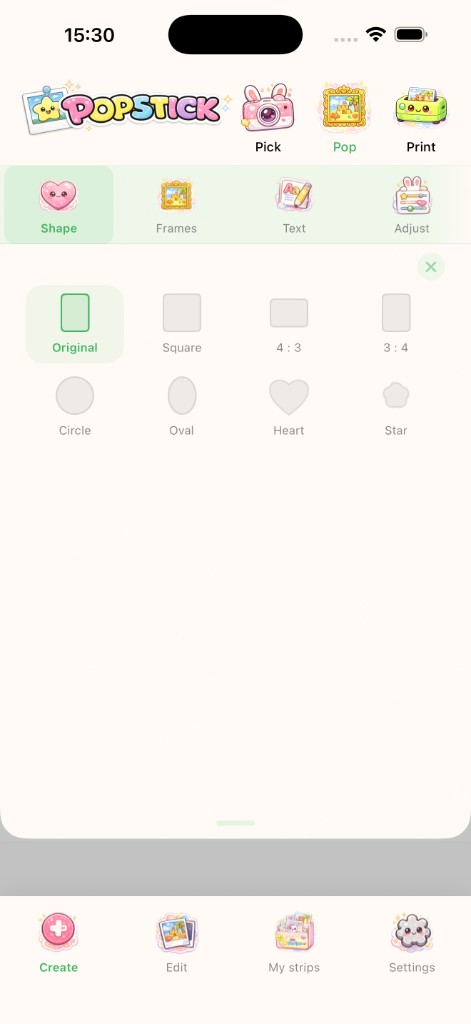
- Shape Classic crops plus fun cutouts like circle, heart, and star.
- Frames A border that reads on paper, with line styles you can play with.
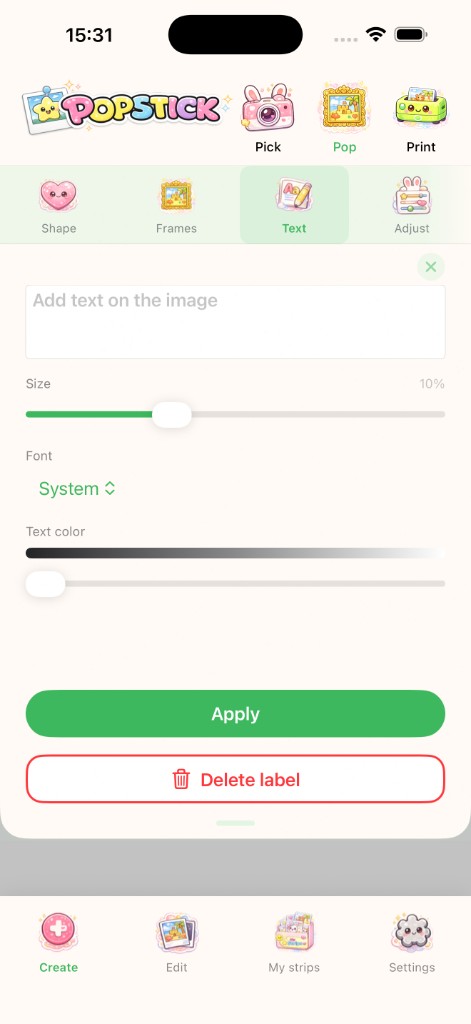
- Text Say something cute, pick a font, dial the size.
- Adjust Brightness and contrast so thermal prints look their best.
Parents: the quiet part, loud and clear
No ads, no ad tracking, no in-app purchases. No account, no “tell us your life story,” and no data shared outside the app—just your ideas, your pics on your device, and the printer.
Printers we know work well with the app
- cat printers / eSynic (PD01, X5h, M02L, JK01)
- Memoking / Phomemo (T02)
- HUIJUTCHEN Mini Printer (MXW01)
- HuiJuKeJi Mini Printer (X5h)
- Photo creator printers (X6H–E1E4)
Otherwise, compatibility can vary by device and firmware. Got one that isn’t listed here? Reach us through our support form and we can try to add it.
Support
In the app: Open PopStick, tap Settings (the cloud icon on the right in the bottom tab bar). From there you can reach support and send feedback—including printer compatibility requests.
On the web: Use the Heliotrope support form—same channel we monitor for printer requests and general help.